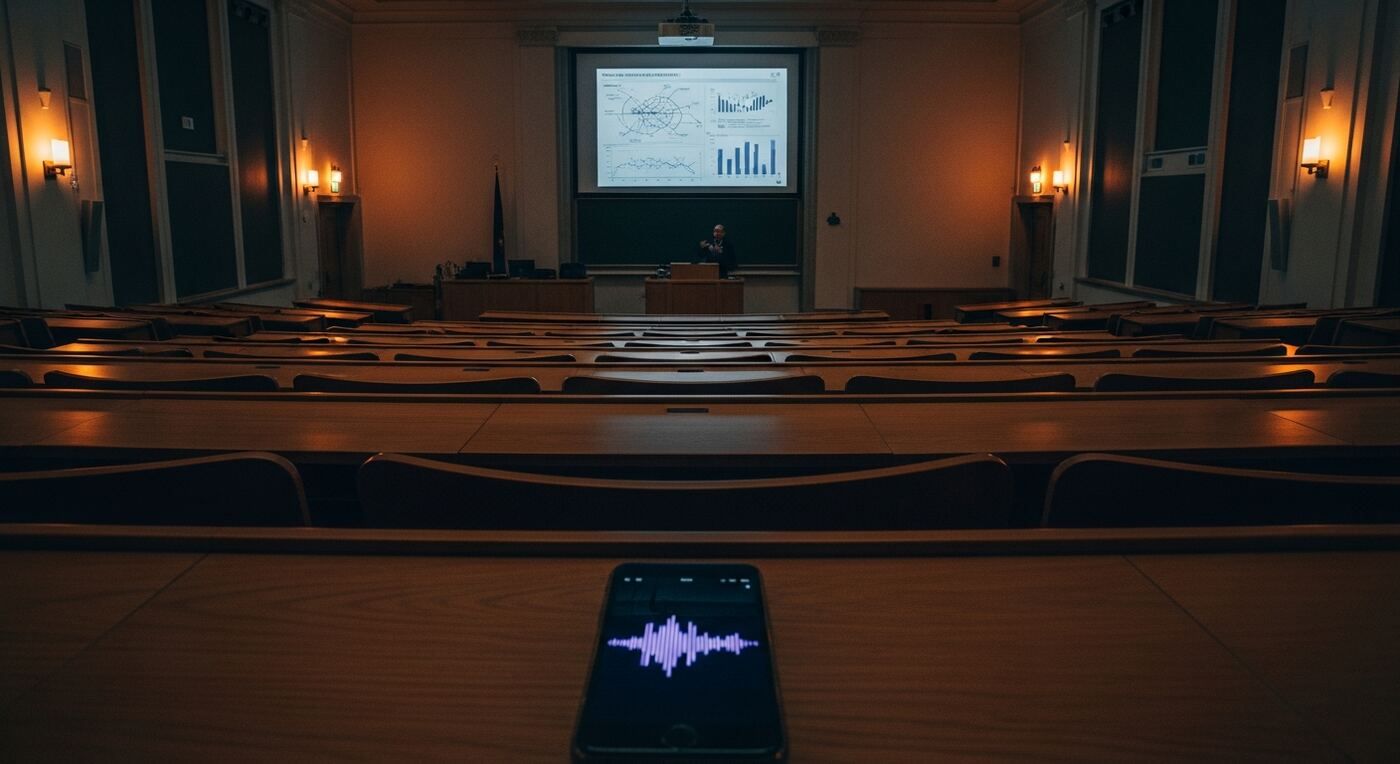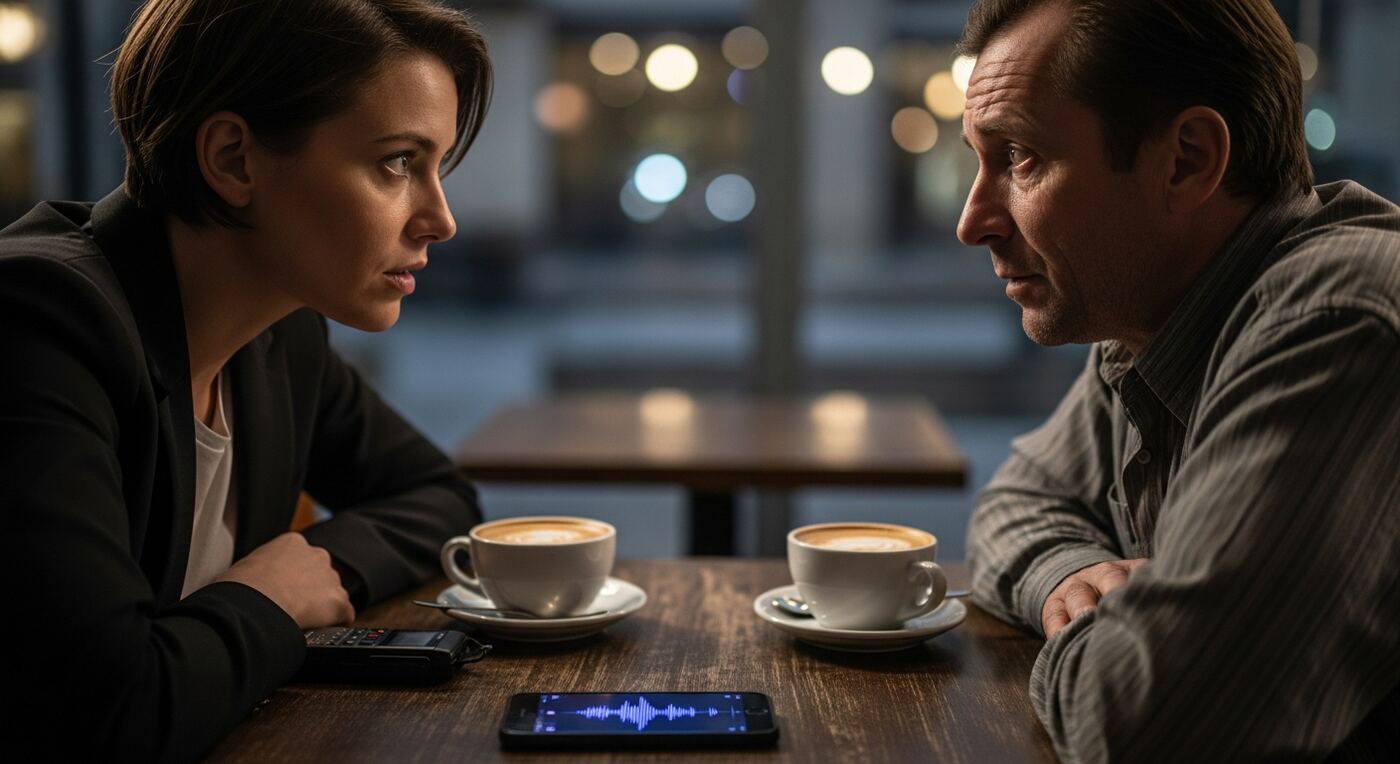
Why Handwritten Legal Meeting Notes Create Risk
Every lawyer searching for a "legal meeting recording" solution has faced this scenario. You finish a 90-minute client consultation. Your handwritten notes cover three pages of a yellow legal pad. Back at your desk, you begin drafting the engagement letter and realize your notes are incomplete. The client mentioned a key date -- was it March 12 or March 22? They described a sequence of events, but your notes captured the conclusion without the critical middle step. You remember the substance, but not the exact words.
The consequences of imprecise notes in legal practice are not merely inconvenient -- they are professionally dangerous. A misremembered detail can weaken a filing. A disputed quote can undermine a negotiation. When opposing counsel challenges what your client said during a meeting, your handwritten notes carry far less weight than a verifiable audio recording with a synchronized transcript.
Some attorneys try using a phone's built-in voice memo app. The result is a single long audio file with no transcript, no search capability, and no secure way to share it with co-counsel. Finding one statement in 90 minutes of audio means scrubbing through the recording manually, guessing at timestamps, and hoping to stumble on the right passage. Most lawyers try this once and give up.
How Secure Client Recording and Legal Transcription Protect Your Practice
30-Second Buffer for Client Meetings
Your client reveals a critical fact mid-sentence, and you were still processing the previous point. The buffer captures the previous 30 seconds of audio retroactively. Tap the marker and the entire statement is saved, including the lead-up context you need to understand it fully. In legal meeting recording, context is everything.
Guide: Buffer SettingsAI Transcription for Legal Meetings
A 90-minute consultation produces a complete text transcript in minutes, not hours. Every sentence is linked to its position in the audio, so any statement can be verified against the original recording. This legal transcription app eliminates the gap between what was said and what was written down.
Guide: How Transcription WorksGlobal Search Across All Client Recordings
Type a client name, case reference, or legal term and search across every transcribed meeting in your library. Results show the exact sentence and timestamp. When you need to find what a client said about a specific issue six months ago, search replaces re-listening. Build a searchable case file from every consultation.
Guide: Global SearchSecure, Confidential Sharing with Password Protection
Share a meeting recording with co-counsel or a paralegal via a password-protected link with an expiration date. The recipient opens it in a browser -- no app installation required. When the matter concludes, the link expires automatically. Attorney-client confidentiality is maintained through access controls you define.
Guide: Create a ShareOffline Recording in Courtrooms and Client Offices
Record anywhere without depending on Wi-Fi or cellular data. Courtroom annexes, client offices, detention facilities -- the recording runs entirely on your device. No audio is uploaded during the session, no cloud connection is required, and no data leaves your phone until you choose to transcribe or share.
Guide: Recording Basics
Record a Client Consultation and Create Searchable Legal Transcription in 5 Steps
Create a project for the matter
Open 12scribe and tap New Project. Name it with the client name and matter reference, for example "Smith v. Acme -- Initial Consultation". Select the appropriate project type so recordings are organized by case from the start.
Record the meeting and mark critical statements
After obtaining consent, tap Record and place your phone on the table. Listen actively. When the client makes a key admission, states a date, or describes a pivotal event, tap Marker and add a short label such as "key date" or "liability admission". The 30-second buffer ensures the full context is captured.
Transcribe the consultation
Back at your desk, open the recording and tap Transcribe. A 90-minute legal meeting recording produces a full text transcript in under 15 minutes. Every sentence is synchronized with the audio, creating a verifiable record of the entire consultation.
Search and verify specific statements
Open Search and type a keyword -- a date, a name, a legal term. Results highlight every match in the transcript. Tap any result to hear the original audio at that exact moment. Copy verified quotes directly into your brief, knowing the wording is accurate because you heard it from the source.
Share securely with co-counsel
Tap Share to create a password-protected link with an expiration date. Send it to your associate or paralegal. They see the transcript, markers, and audio player in their browser. When the matter closes, the link expires and the content is no longer accessible externally.
Your Secure, Searchable Legal Meeting Archive
After adopting this legal meeting recording workflow, every client consultation becomes a searchable, verifiable record instead of a stack of handwritten notes. Your practice gains:
- Complete text transcripts of every client meeting, searchable by any word or phrase
- Every sentence linked to the original audio for instant verification of exact wording
- Markers at critical moments -- admissions, key dates, instructions -- each timestamped and labeled
- Password-protected sharing with expiration dates for confidential collaboration with co-counsel
- Offline recording capability for courtrooms, client offices, and facilities without Wi-Fi
- A searchable archive spanning months or years of client consultations across all matters
Opposing counsel disputes a quote from your client? Open the transcript, tap the sentence, and play the audio. The recording is the verification. No ambiguity, no reliance on memory, no "my notes say otherwise" debates. Your legal transcription app becomes the most reliable witness in the room.