Why Interview Transcription Takes Hours
Every journalist searching for an "interview transcription app" knows this pain. You have just finished a one-hour interview with a city official. The story is due in four hours. Before you can write a single paragraph, you need a transcript. Manual transcription takes three to four hours for a one-hour recording -- and that is if you type fast and do not pause to rewind. By the time you have the text, half your deadline is gone.
Even with a transcript in hand, the work is not over. You need three or four sharp quotes to anchor your article. Finding them means scanning thousands of words, trying to remember roughly when the source said that one perfect line. You highlight candidates, cross-reference with your handwritten notes, and re-listen to verify exact wording. Another hour gone.
Then comes fact-checking. Your editor asks: "Did the mayor really say 'absolutely no plans to raise taxes'? Or was it 'no current plans'?" You need to locate that exact moment in the audio, play it back, and confirm. Without a way to search the recording, you are scrubbing through 60 minutes of audio hoping your memory of the timestamp is close.
How to Transcribe an Interview Automatically
Fast AI Transcription
A 60-minute interview is transcribed in under 10 minutes. The full text is linked to the audio timeline, so every sentence is tappable -- one tap to hear the original audio and verify exact wording. This interview transcription app eliminates hours of manual typing.
Guide: How Transcription WorksGlobal Search
Type any word or phrase and find it instantly across all your interviews. No more scrolling through pages of text or replaying hours of audio. Search for "budget deficit" and see every mention across every interview, each linked to the exact second.
Guide: Global SearchAudio Extraction
Need to send your editor a 15-second audio clip of the key quote? Extract any segment of the recording as a standalone audio file. Perfect for radio packages, podcast inserts, or simply proving that a quote is accurate.
Guide: Audio ExtractionSecure Sharing
Share a recording with your editor or fact-checker via a password-protected link. They see the transcript, markers, and audio player in their browser. Set an expiration date so the link stops working after publication.
Guide: Create a Share30-Second Buffer
Interviews are unpredictable. Your source says something extraordinary while you are still formulating your next question. Tap the marker button and the buffer captures the previous 30 seconds retroactively. You never miss the moment you were not expecting.
Guide: Buffer Settings
From Interview Recording to Verified Quotes in 5 Steps
Record the interview
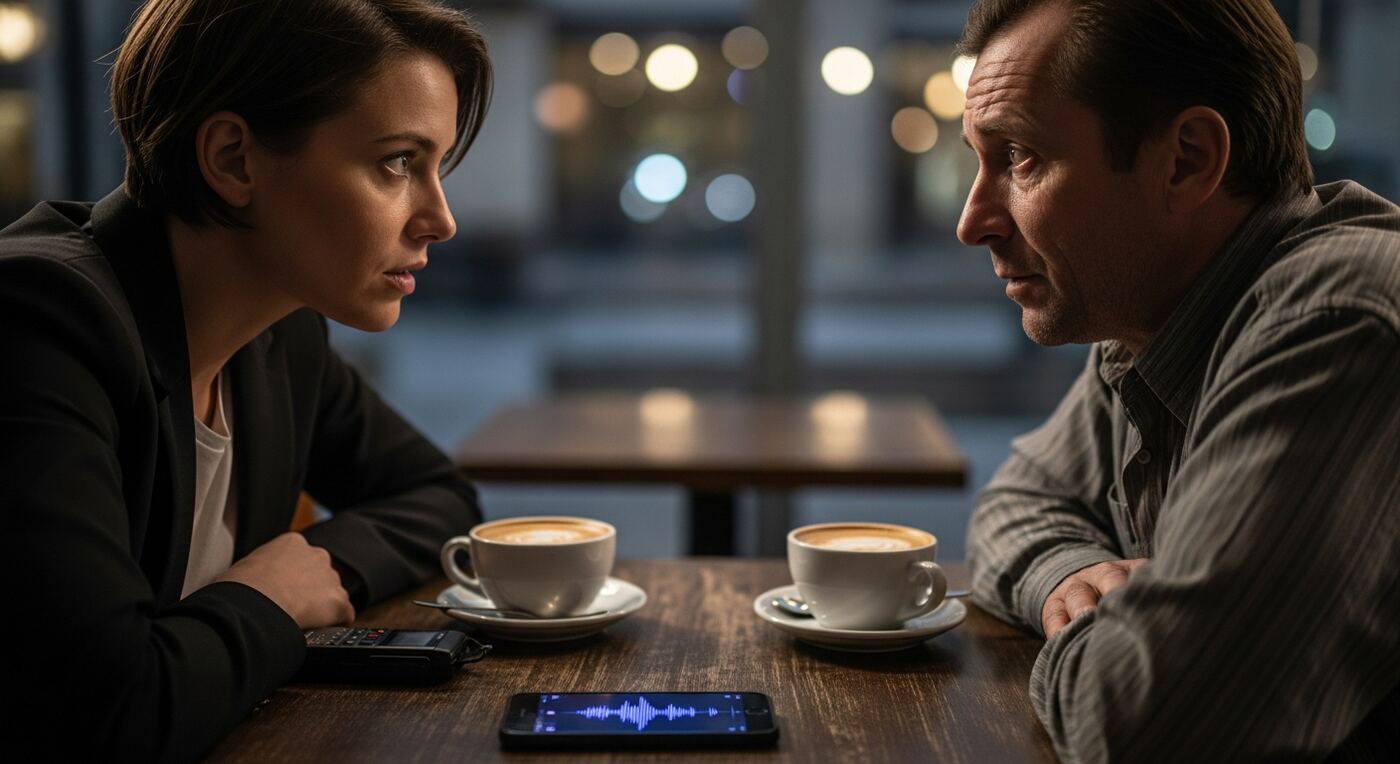
Open 12scribe, create a new project named after the source and story, and tap Record. Place your phone on the table between you and your subject. The app records continuously in the background, even if the screen locks.
Mark the best quotes live
When your source says something quotable, tap the Marker button. Add a short label like "tax quote" or "denial". The 30-second buffer means even if you react a few seconds late, the moment is captured from the beginning of the statement.
Transcribe the interview automatically
After the interview, tap Transcribe. A 60-minute recording typically processes in under 10 minutes. The result is a complete text transcript where every sentence is linked to its position in the audio.
Search for phrases and verify quotes
Open Search and type a keyword or phrase you remember. Results highlight every match in the transcript. Tap any result to jump to that exact second in the audio and hear the original wording. Copy the verified quote directly into your article.
Extract audio clips and share
Select a key passage and use Audio Extraction to save it as a standalone clip. Share the full interview with your editor using a password-protected link so they can verify any quote themselves. Set the link to expire after your publication deadline.
Your Complete Interview Toolkit
What used to consume half your workday now takes under an hour. After using this interview transcription app, you have:
- A complete text transcript of the entire interview, ready in minutes instead of hours
- Every sentence linked to the original audio for instant verification
- Markers at the most quotable moments, labeled and timestamped during the interview
- Full-text search across the transcript -- find any word or phrase in seconds
- Extractable audio clips for radio packages, podcasts, or editorial verification
- A secure, password-protected shareable link for your editor and fact-checkers
Your editor asks if the quote is accurate? Send them the link. They tap the sentence, hear the audio, and confirm in seconds. No email chains, no file transfers, no ambiguity. The transcript is the source, and the source is always one tap away.