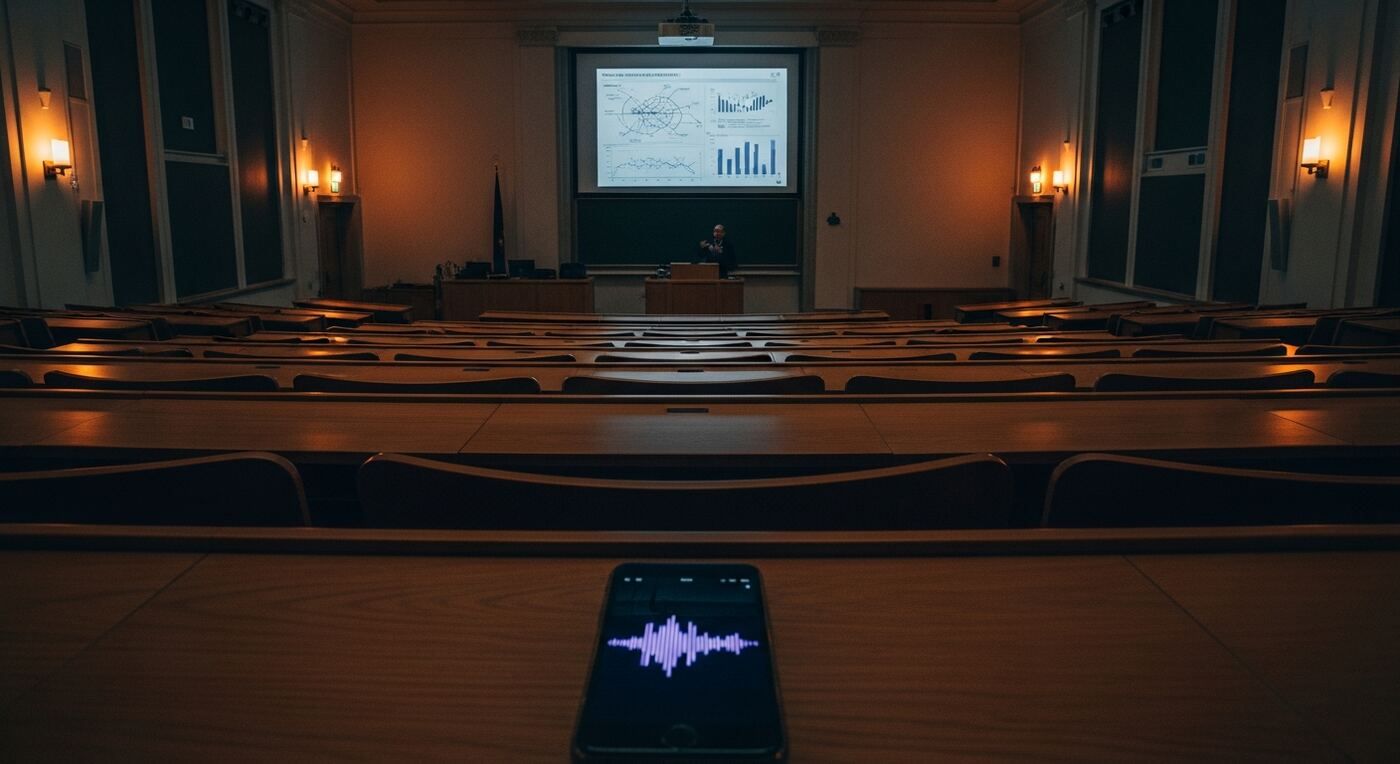
Why Meeting Minutes Never Capture What Actually Matters
Every team lead searching for a meeting minutes app knows this problem. You are running a one-hour sprint planning or project sync, and someone is supposed to be taking notes. But the designated note-taker is also a participant — they need to contribute ideas, answer questions, and make decisions. The result is notes that capture half the discussion and miss the other half entirely.
After the meeting, you spend thirty minutes writing up what was decided, who owns which task, and what the deadlines are. You send the email. Someone replies: "I thought we agreed on Thursday, not Friday." Another teammate says: "I do not remember volunteering for that." Without a recording, there is no way to verify. The meeting minutes become a source of conflict instead of clarity.
Even when notes are thorough, they rarely extract the three things that matter most: tasks with owners, decisions with context, and open questions that need follow-up. Instead, you get a wall of text that nobody reads after the first day. A meeting recording app that automatically identifies these structured elements changes how teams operate after every meeting.
The cost is not just time — it is accountability. When meeting minutes are vague, tasks slip through the cracks. When they are disputed, trust erodes. Team leads need an automatic meeting summary that is verifiable, structured, and shareable within minutes of the meeting ending. The right meeting minutes app eliminates this entire category of post-meeting overhead.
How to Extract Tasks and Decisions from Any Meeting Recording
AI Meeting Analysis
After transcription, AI analyzes the full text of your meeting and extracts structured items: tasks with assignees, decisions with context, and open questions. Each item links to the exact moment in the recording where it was discussed. This automatic meeting summary replaces thirty minutes of manual note-writing.
Guide: Meeting AnalysisLive Markers for Key Moments
During the meeting, tap the marker button whenever a critical decision is made or a task is assigned. Add a short label like "Q3 budget approved" or "Maria owns onboarding." Markers give you instant jump points when reviewing the recording later, so you never have to scrub through an hour of audio.
Guide: Adding Markers While RecordingFull Meeting Transcription
A 60-minute meeting is transcribed in under ten minutes. Every sentence is linked to its position in the audio, so you can tap any line to hear the original words. When a team member disputes what was said, the transcript is your single source of truth for meeting minutes.
Guide: How Transcription WorksSecure Sharing with Your Team
Share the recording, transcript, and extracted action items with your team via a password-protected link. Set an expiration date so the link stops working after the follow-up cycle is complete. Recipients see everything in their browser — no app installation required.
Guide: Create a Share30-Second Buffer
Meetings are unpredictable. A critical decision happens while you are focused on the whiteboard. Tap the marker button and the buffer captures the previous 30 seconds retroactively. The decision is recorded from the beginning of the statement, even though you reacted late.
Guide: Buffer Settings
From Meeting Recording to Action Items in 5 Steps
Start the meeting recording
Open 12scribe, create a project with the Meeting type, and tap Record. Place your phone in the center of the table. The app records continuously in the background, even if the screen locks. Everyone can focus on the discussion instead of taking notes.
Mark decisions and tasks as they happen
When the team makes a decision or assigns a task, tap the Marker button and add a quick label. The 30-second buffer ensures the full context is captured even if you tap a few seconds after the moment passes. These markers become your navigation anchors.
Transcribe and analyze the meeting
After the meeting ends, tap Transcribe. The AI processes the recording and generates a full text transcript. Then run Meeting Analysis to extract tasks, decisions, and open questions — each linked to the exact timestamp where it was discussed.
Review and verify action items
Browse the extracted items. Tap any task or decision to hear the original audio and confirm the wording. Edit assignees, adjust priorities, or add context. The transcript serves as an unambiguous record — no more "I thought we said Thursday" debates.
Share meeting minutes with the team
Tap Share to create a secure link with a password. Your team opens the link in any browser and sees the transcript, markers, and extracted action items. Everyone leaves with the same understanding of what was decided and who owns what.
Your Complete Meeting Minutes Toolkit
What used to require a dedicated note-taker and thirty minutes of follow-up emails now takes five minutes of review. After using this meeting minutes app, you have:
- A full text transcript of the entire meeting, every sentence linked to the audio
- Automatically extracted tasks with assignees, pulled directly from the discussion
- Decisions documented with the context of why they were made
- Open questions flagged for follow-up at the next meeting
- Markers at critical moments, labeled and timestamped during the meeting
- A shareable, password-protected link for the entire team
When someone questions a decision two weeks later, you do not rely on memory. You send them the link, they tap the relevant section, and hear exactly what was said. The meeting recording becomes the definitive record, and your meeting minutes are always accurate.
For recurring meetings — weekly standups, sprint retrospectives, project syncs — the value compounds over time. Use Global Search to search across every meeting in a project and trace how a topic evolved over weeks. Your AI meeting notes become a searchable institutional memory that no shared document or email chain can match.