Why Students Lose Half Their Lecture Notes
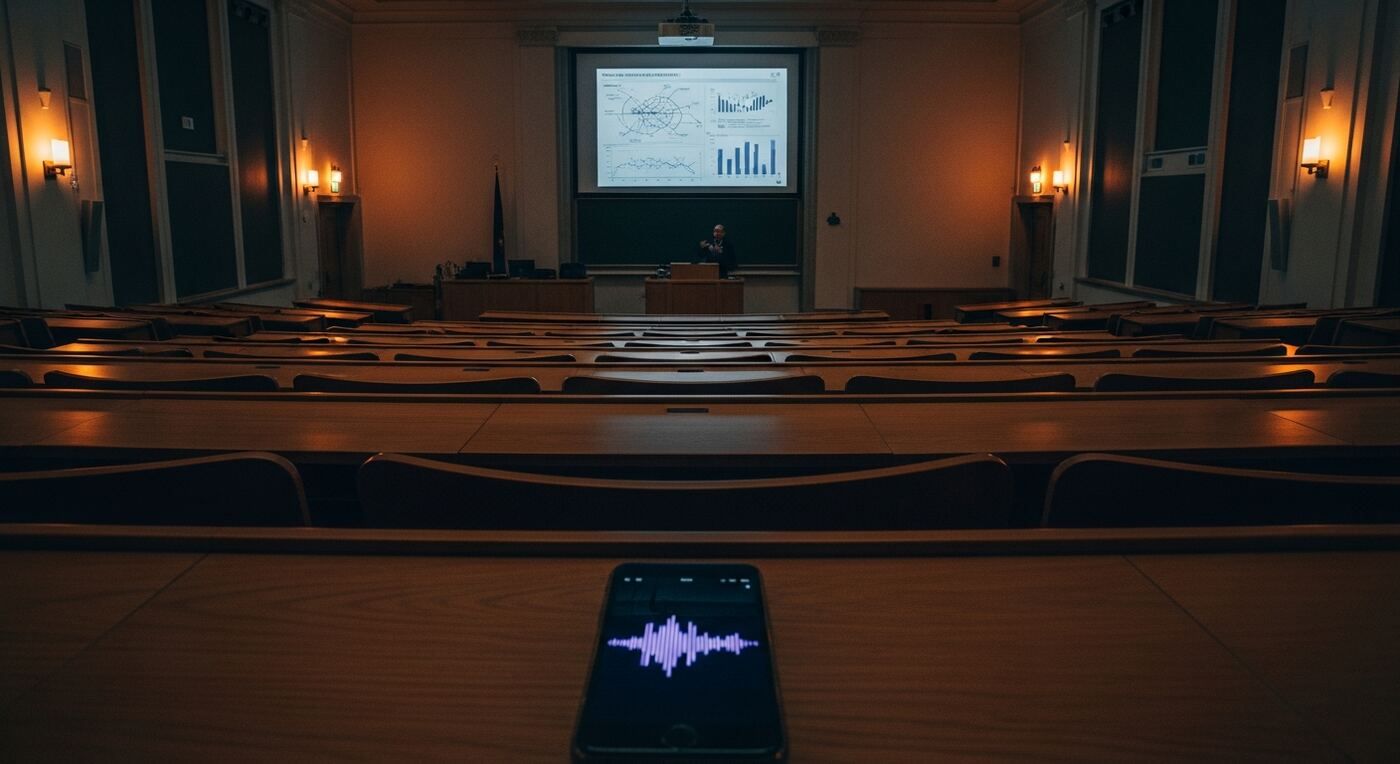
If you have ever searched for a "lecture recording app" that actually helps you study, you know the frustration. You sit in a 90-minute lecture, pen flying across the page, trying to capture every word. The professor moves fast. You abbreviate, skip examples, and lose context. By the time you look up, the slide has changed and you have missed the transition between two critical concepts. Your notes are a patchwork of half-sentences and question marks.
The alternative is recording the lecture and reviewing it later. But "later" rarely comes. Before exams you face dozens of hours of raw audio across multiple courses, with no way to find what you need without replaying everything. You end up scrubbing through recordings at 2x speed, hoping to stumble across the right section. Hours disappear, and exam stress compounds.
The real cost is not just time. It is comprehension. When you are busy writing, you are not listening. You leave the lecture hall with pages of notes but without the understanding that comes from active engagement with the material. Your notes are a record of what was said, not of what you learned. And when exam week arrives, those notes are barely legible, missing context, and scattered across three different notebooks and two note-taking apps.
How AI Transcription Turns Lectures into Study Notes
30-Second Buffer
Hear something important but reacted two seconds late? The buffer captures the previous 30 seconds of audio retroactively. Tap the marker button and the moment is already saved, complete with the lead-up context. You never miss a key definition or formula, even when the professor catches you off guard.
Guide: Buffer SettingsAI Smart Notes
After transcription, Smart Notes analyzes the entire lecture and produces structured summaries organized by topic. Instead of a wall of text, you get headings, key points, and logical groupings that mirror how the material was actually taught.
Guide: Smart Notes OverviewGlobal Search
Type any term and search across every lecture you have ever recorded. Results show the exact sentence and timestamp, so you jump straight to the moment the professor explained a concept. No more scrubbing through hours of audio.
Guide: Global SearchAuto-Generated Quizzes
Smart Notes can generate quiz questions from the lecture content. Use them to test yourself before exams and identify gaps in your understanding without creating flashcards manually.
Guide: QuizzesContent Blocks
Each lecture is broken into logical content blocks tied to timestamps. Browse the lecture like a table of contents, jumping between topics without scrolling through a continuous transcript.
Guide: Content Blocks
Record a Lecture and Create Study Notes in 5 Steps
Create a project for the course
Open 12scribe and tap New Project. Name it after the course and lecture number, for example "Biology 101 -- Lecture 12". Select the Lecture project type so the AI knows to optimize for academic content.
Record the lecture and drop markers
Tap Record and put your phone down. Listen actively. Whenever the professor says something important -- a definition, a formula, an exam hint -- tap the Marker button. Thanks to the 30-second buffer, even if you react late, the moment is captured.
Transcribe the lecture automatically
When you are back on Wi-Fi, open the recording and tap Transcribe. The AI processes the full lecture in a few minutes, producing a complete text transcript linked to the audio timeline. This is where a lecture recording app saves you hours of manual work.
Generate Smart Notes and quizzes
Tap Smart Notes to generate a structured summary with key concepts, definitions, and logical sections. Then generate Quizzes to create self-test questions based on the material.
Search and review before exams
Open Global Search and type any topic. Results appear across all your lectures, each linked to the exact timestamp. Tap a result to hear the professor explain it in their own words. Run through the quizzes to test your recall.
Your Searchable Lecture Knowledge Base
After one semester of using this lecture recording app, you have a personal knowledge base covering every lecture. Instead of 40+ hours of raw audio and scattered handwritten notes, you have:
- Full text transcripts of every lecture, searchable by any word or phrase
- Structured Smart Notes with headings, key points, and concept groupings
- Markers at every important moment, each linked to the exact second in the recording
- Auto-generated quiz questions for self-testing before midterms and finals
- A single search bar that finds any concept across all courses and semesters
Need to review "mitochondrial ATP synthesis"? One search, three results across three lectures, each linked to the exact moment the professor explained it. Exam preparation goes from days of re-listening to focused, targeted review.
Share a lecture with your study group using a secure link. They open it in a browser and see the transcript, markers, and audio player without installing anything. Collaborative review becomes simple: everyone works from the same source material, verified against the original recording.