Why Language Lesson Notes Miss Half the Words You Heard
If you have ever searched for a "language lesson recording app" that actually helps you retain new vocabulary, you know the frustration. Your teacher introduces twelve new words in rapid succession. You scribble three of them, misspell two, and miss the rest entirely. By the time you look up from your notebook, the lesson has moved on to a grammar exercise and those seven lost words are gone.
The real damage is not the missing vocabulary. It is the missing pronunciation. Written notes cannot capture how a word sounds. You write down an approximation, but when you study later, you pronounce it the way you imagine it should sound -- not the way your teacher actually said it. Bad pronunciation habits form in the gap between what you heard in class and what you reconstructed from your notes hours later.
Some learners try recording lessons on their phone's default voice memo app. They end up with a 45-minute audio file and no way to find the moment the teacher explained a tricky verb conjugation. Scrubbing through an entire recording to find one word is tedious enough that most learners simply never do it. The recording sits unused, and the words stay forgotten.
How Language Lesson Recording and Transcription Accelerate Learning
30-Second Buffer for Language Lessons
Your teacher says a new word and uses it in a sentence. You need a second to process it -- and by the time you reach for the marker button, the moment has passed. The buffer captures the previous 30 seconds retroactively. Tap the marker and the word, its context sentence, and the teacher's pronunciation are already saved from the beginning.
Guide: Buffer SettingsAutomatic Transcription in Your Target Language
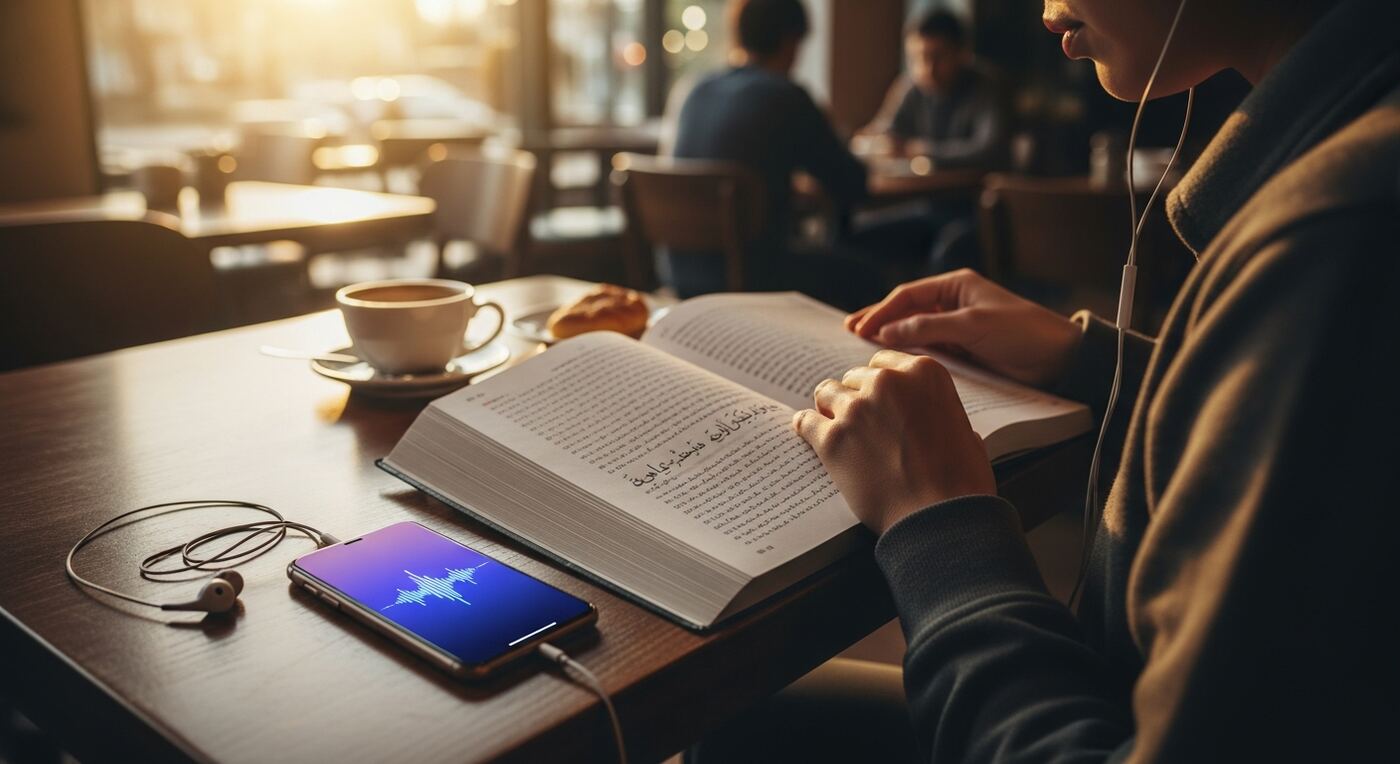
After class, transcribe the entire lesson in the language you are studying. The AI produces a full text transcript linked to the audio, so every word the teacher spoke becomes searchable, readable text. Set the transcription language per project to match your course -- Spanish for your Spanish class, French for your French class.
Guide: How Transcription WorksPlayback Controls for Pronunciation Practice
Tap any sentence in the transcript to hear exactly how the teacher pronounced it. Slow playback to 0.5x to catch every syllable of a difficult word. Repeat the same phrase ten times until it sticks. This is audio replay for language learning at its most practical -- no rewinding, no guessing at timestamps.
Guide: Playback ControlsMarkers to Build a Vocabulary Review List
During the lesson, tap the marker button every time you hear a new word or phrase worth remembering. After class, your markers form a ready-made vocabulary list, each one linked to the exact moment the teacher introduced and explained the term. Review them before the next class to walk in prepared.
Guide: Markers During RecordingPer-Project Language Settings
Studying two languages simultaneously? Create separate projects for each course and set the transcription language independently. Your Korean lessons transcribe in Korean, your German lessons in German. Each project maintains its own language context for maximum transcription accuracy.
Guide: Project Settings
Record a Language Lesson and Review Vocabulary in 5 Steps
Create a project for your language course
Open 12scribe and tap New Project. Name it after your course, for example "Spanish B1 -- Lesson 14". Set the transcription language to match -- this ensures the AI optimizes for that language's vocabulary and phonetics.
Record the lesson and mark new vocabulary
Tap Record and place your phone near the teacher. Listen actively. Every time you hear a new word, idiom, or grammar rule worth revisiting, tap Marker. The 30-second buffer ensures the full explanation is captured even if you react a few seconds late.
Transcribe the lesson after class
When you have an internet connection, open the recording and tap Transcribe. The AI processes your 45-minute language lesson in a few minutes, producing a complete text transcript in your target language. Every sentence is linked to its position in the audio timeline.
Replay phrases and practice pronunciation
Open the transcript and tap any sentence to hear the teacher say it. Use Playback Speed at 0.5x or 0.75x to slow down difficult words. Repeat after the teacher until the pronunciation feels natural. Your markers take you directly to the words that need the most practice.
Search across lessons before tests
Before an exam, open Global Search and type a word or grammar topic. Results appear across every lesson you have ever recorded -- each linked to the teacher's original explanation and pronunciation. Review in context instead of memorizing isolated flashcard entries.
Your Personal Language Lesson Archive: Transcription, Pronunciation, and Audio
After a semester of using this language lesson recording app, you have built a personal archive that no textbook can match. Instead of scattered handwritten notes with missing words and silent pronunciations, you have:
- Full text transcripts of every lesson in your target language, searchable by any word
- Markers at every new vocabulary word, each linked to the teacher's pronunciation and explanation
- Adjustable playback speed to slow down difficult phrases and practice at your own pace
- A searchable library spanning all your courses, so you can find how a word was used across different lessons
- Separate projects for each language you study, each with its own transcription settings
Need to review how your teacher conjugated the subjunctive? Search "subjunctive" and get every lesson where it was discussed, each result linked to the exact audio. Tap, listen, repeat. Language learning recording becomes an active review tool instead of a passive audio dump.
Share a lesson recording with a classmate who missed class using a secure share link. They open it in their browser and see the transcript, markers, and audio player without installing anything. Collaborative language study becomes as simple as sending a link.