Why Creating Study Materials from Lectures Takes Hours
If you have ever searched for a "teacher lecture recording app," you know how much time disappears after the lecture ends. The teaching is done, but the work is not. Students need notes, key concept summaries, and review quizzes to prepare for exams. Creating these study materials manually means re-listening to your own lecture, writing down the important points, formatting them into a handout, and then drafting quiz questions that actually test comprehension rather than memorization.
For a single 50-minute lecture, this process can easily take one to two hours. Multiply that by three or four lectures a week, and you are spending more time creating supplementary materials than you are teaching. Some teachers skip it entirely and direct students to take their own notes. But that creates uneven outcomes: students who missed a point, misheard a term, or simply had a bad day in class fall behind. The students who need study materials most are the ones least likely to have good notes.
The alternative is recording the lecture and posting the raw audio. But a 50-minute audio file with no structure, no searchability, and no key points is not a study resource. It is a time commitment that most students will not make. What teachers actually need is a way to turn a lecture recording into structured, usable teaching materials without doing all the work manually.
How AI Turns Lecture Recording into Quizzes and Study Notes
Lecture Analysis
AI breaks your lecture into logical parts and themes, identifying where each topic starts and ends. The result is a structured outline of your entire lecture with topic headings and timestamps. Instead of a wall of audio, students get a table of contents they can navigate by concept.
Guide: Lecture AnalysisAuto Quiz Generator
After analysis, AI creates quizzes directly from your lecture content. It generates multiple-choice, true/false, fill-in-the-blank, sequence ordering, and matching questions. Each question targets a specific concept from the lecture, making quizzes a genuine assessment tool rather than busywork. This is the core of the teacher lecture recording workflow.
Guide: Auto-Generated QuizzesContent Blocks
Each section of your lecture is rendered as a content block: text summaries for narrative sections, tables for comparisons, key quotes for definitions, and logic chains for arguments. These blocks form the backbone of study materials that students can scan and review without re-listening to the full recording.
Guide: Content Block TypesShare with Students
Create a secure shareable link for any lecture. Students open a browser page with the full transcript, structured notes, and an audio player. They can search by keyword, jump to any topic, and review at their own pace. Set an expiration date or password if you want to restrict access to enrolled students only.
Guide: Share RecordingsSmart Notes
Smart Notes identify definitions, arguments, examples, and conclusions within your lecture. The output is a structured summary that goes beyond simple timestamps. For students preparing for exams, this is a ready-made study guide that highlights what matters most in each section of the lecture.
Guide: Smart Notes Overview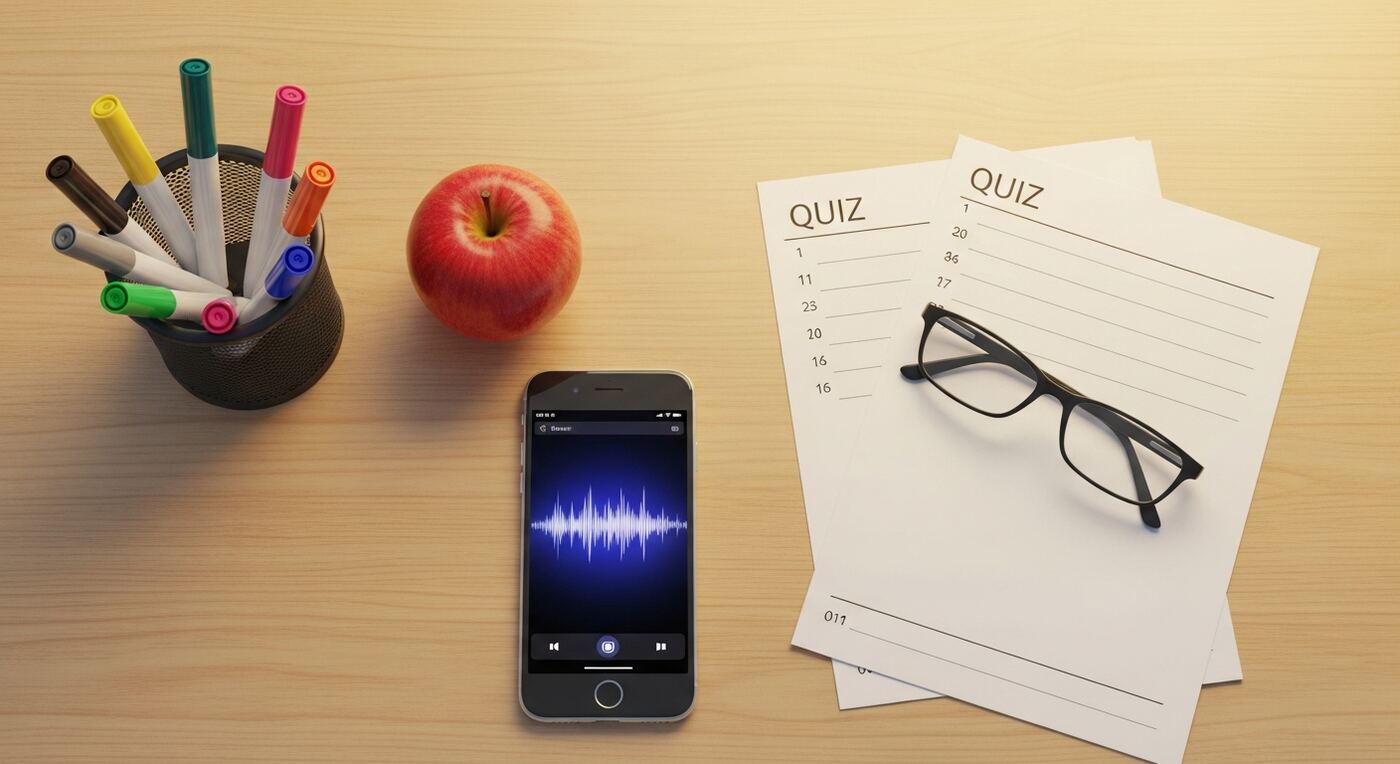
Record a Lecture and Create Study Materials in 5 Steps
Set up a project for the lecture
Open 12scribe and create a new project. Choose the Lecture project type to optimize AI analysis for educational content. Name it after the lecture topic or course -- for example, "Biology 201 -- Cell Division". This tells the AI to look for definitions, key concepts, and logical structure rather than tasks and decisions.
Record the lecture and mark key moments
Tap Record and teach as you normally would. If a student asks a particularly good question, or you reach a concept you know will be on the exam, tap a Marker to flag that moment. You can also use Pause during breaks and resume when class continues. All sessions stay in one project.
Transcribe and analyze the recording
After class, tap Transcribe. A 50-minute lecture typically processes in 5-8 minutes. Once the transcript is ready, tap Smart Notes to generate the full lecture analysis. AI identifies parts, themes, and key concepts, then creates content blocks for each section.
Generate quizzes from the lecture content
Tap Quizzes to generate quiz questions from the analyzed lecture. Review the questions, remove any that are too easy or too specific, and adjust wording if needed. The quiz covers all major topics from the lecture and tests understanding, not just recall.
Share notes and quizzes with students
Tap Share to create a link. Students get access to the transcript, structured notes, content blocks, and the audio player -- all in one page. Post the link in your LMS, email it to the class, or share it in a messaging group. Students can search, listen, and review independently.
Your Complete Teaching Materials Package for Students
In roughly 10 minutes of processing plus a few minutes of review, this teacher lecture recording app gives you a full set of study materials for every lecture:
- A complete text transcript of the lecture, searchable by keyword and linked to the audio timeline
- Structured notes with topic headings, key concept summaries, and timestamps for each section
- Content blocks with definitions, tables, logic chains, and key quotes pulled directly from your lecture
- Auto-generated quizzes with multiple question types that test comprehension of the material
- A shareable link where students can read, search, listen, and review at their own pace
Over the course of a semester, your lectures become a searchable knowledge base. Need to reference a concept you explained three weeks ago? Search for it, find the exact lecture and timestamp, and point students to the original explanation. Your teaching materials build on themselves instead of disappearing after each class.