Why Research Interview Transcription Is the Bottleneck in Qualitative Studies
Every researcher looking for a research interview transcription tool knows this reality. You have conducted twenty semi-structured interviews over three weeks. Each interview is 45 to 90 minutes long. Before you can begin analysis, every recording needs to be transcribed — and manual transcription takes four to six hours per hour of audio. That is 60 to 120 hours of typing before your actual research work begins.
Professional transcription services cost two to three dollars per minute, putting a twenty-interview study at $2,000 to $5,000 — often more than a graduate student's entire research budget. And turnaround times of five to ten business days mean your analysis is delayed by weeks.
Even after transcription is complete, the real challenge begins: finding patterns across interviews. You need to locate every instance where participants discussed a specific theme, compare their language, and code the data. Without a way to search across all transcripts simultaneously, you are reading through hundreds of pages line by line, switching between documents, trying to hold patterns in your head.
This is where qualitative data analysis breaks down — not from lack of rigor, but from the sheer volume of unstructured audio. You need a tool that handles research interview transcription at scale and lets you search, code, and verify across your entire dataset without losing the connection to the original recordings.
How to Transcribe Research Interviews and Analyze Audio Efficiently
Import Audio from Any Source
Bring in recordings from a dedicated field recorder, a voice memo app, or files sent by a research assistant. 12scribe supports M4A, MP3, and WAV formats. Import twenty interview files into a single project and have them all transcribed and searchable in one library — your complete qualitative research tool in one place.
Guide: Import Existing Audio FilesSearch Across All Interviews
Type any word, phrase, or concept into Global Search and find every mention across all twenty interviews. Each result links to the exact second in the original audio. Instead of reading hundreds of pages of transcripts looking for a theme, you type the theme and see it mapped across your entire dataset.
Guide: Global SearchPlaylists for Thematic Grouping
Organize interviews into playlists by theme, participant group, or research question. Group all interviews from "urban teachers" in one playlist and "rural teachers" in another. Compare responses by listening through each playlist sequentially, with markers and transcripts available at every step.
Guide: PlaylistsExport for Qualitative Analysis
Export your projects with transcripts, markers, and timestamps. Use the exported data in qualitative analysis software like NVivo or ATLAS.ti, or work with the transcripts in a spreadsheet-based coding system. Markers created during the interview serve as pre-coded anchor points.
Guide: Export ProjectsFast AI Transcription
A 60-minute research interview is transcribed in under ten minutes. Every sentence links to the original audio, so you can verify exact wording with a single tap. Accuracy typically reaches 90-95% for clear recordings — and any uncertain passage can be checked against the source in seconds.
Guide: How Transcription Works
From Research Interview Recording to Qualitative Data Analysis in 5 Steps
Import or record your interviews
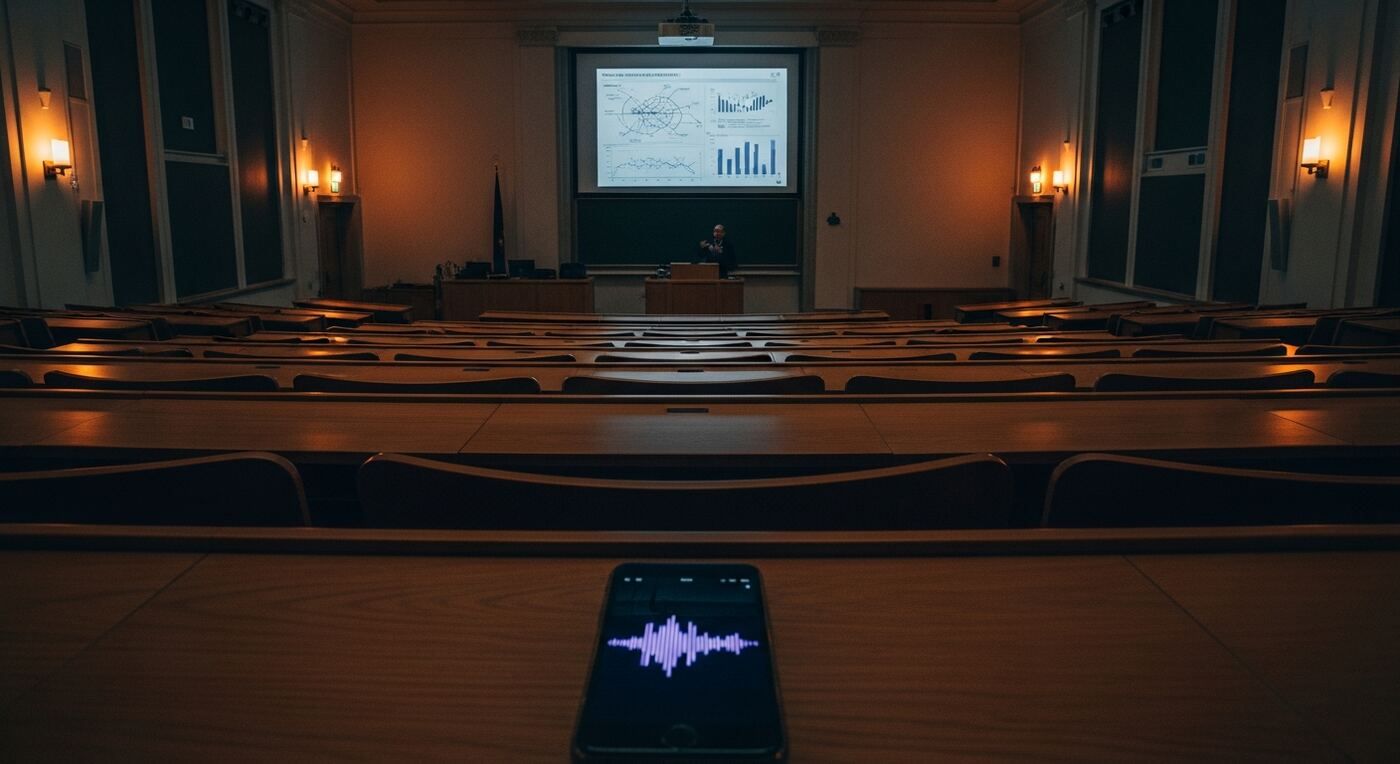
Create a project for your study and import existing audio files from your recorder. Or record directly in the app — place your phone on the table and tap Record. Each interview becomes a separate session within the project, keeping your data organized from the start.
Transcribe all interviews
Tap Transcribe on each recording. A 60-minute interview processes in under ten minutes. For a study with twenty interviews, you can queue all transcriptions and have your complete dataset ready in a few hours — not the weeks that manual research interview transcription would require.
Search for themes across all transcripts
Open Global Search and type a theme, concept, or keyword from your research questions. Results show every occurrence across all interviews, each linked to the exact moment in the audio. This cross-interview search is the core of efficient qualitative data analysis.
Mark and group key passages
When you find a relevant passage, add a Marker with a label matching your coding scheme. Organize interviews into Playlists by participant group or theme. These markers and groups become the structure of your analysis — each one traceable to the original audio.
Export and analyze
Use Export to extract transcripts, markers, and timestamps. Import the data into your preferred qualitative analysis software or work directly from the transcripts. Every coded passage links back to the audio, giving your findings the verifiability that rigorous qualitative research demands.
Your Complete Research Transcription Toolkit
What used to take weeks of manual transcription and hundreds of hours of re-listening now fits into a streamlined workflow. After using this academic transcription app for your research interviews, you have:
- Full text transcripts of all twenty interviews, each sentence linked to the original audio
- Cross-interview search that finds any theme or keyword across your entire dataset in seconds
- Markers at key passages, labeled with your coding scheme and timestamped to the audio
- Playlists organizing interviews by participant group, theme, or research question
- Exportable data ready for qualitative analysis software or spreadsheet-based coding
- Audio verification for every quote — one tap to hear exactly what the participant said
When your advisor asks for the exact wording of a participant's response, you do not search through stacks of printed transcripts. You type the phrase, tap the result, and hear the original audio. Research interview transcription stops being a bottleneck and becomes the foundation of faster, more rigorous qualitative research.
For longitudinal studies or multi-site research, the value grows with every interview added to your library. Each new transcript becomes part of a searchable corpus that spans your entire project. This is audio analysis research at a scale that manual methods simply cannot achieve within realistic timelines and budgets.